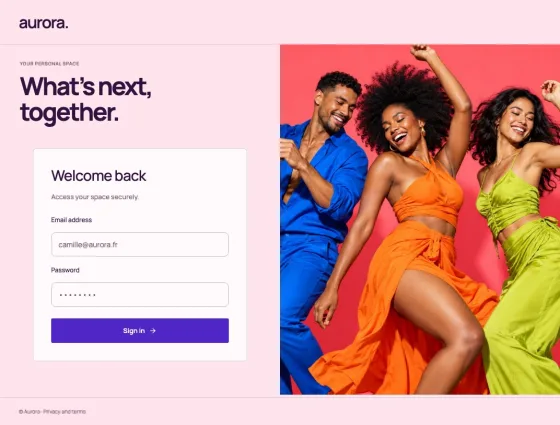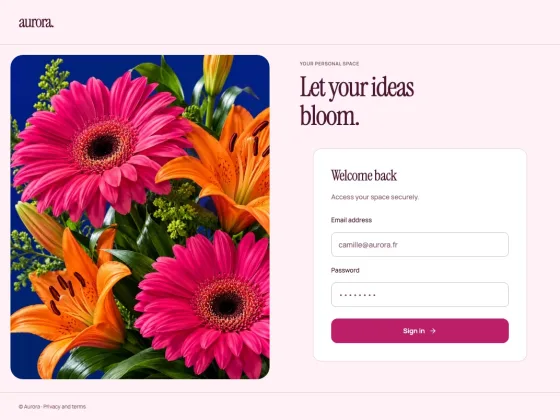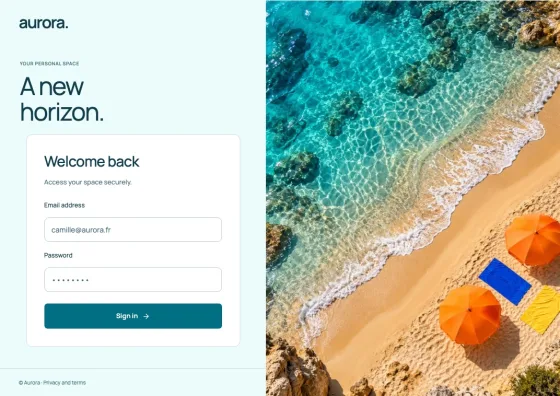
 Explore ↗
Clear & useful / DESIGN 05
Civic
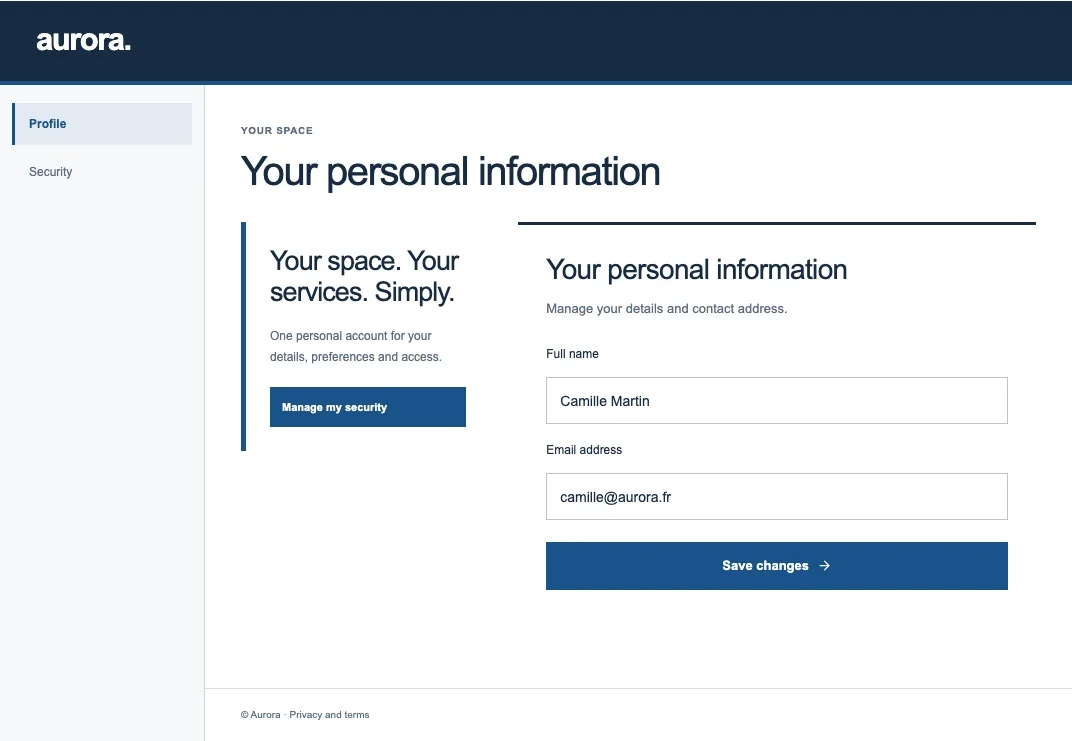
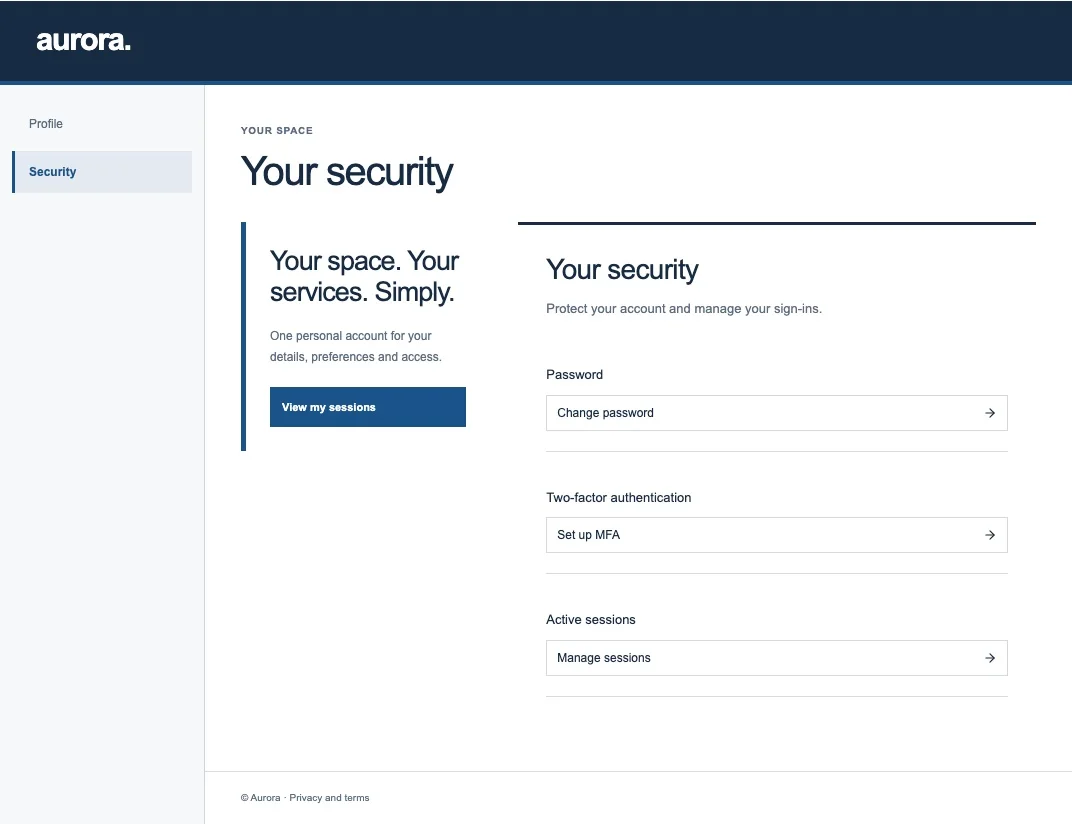
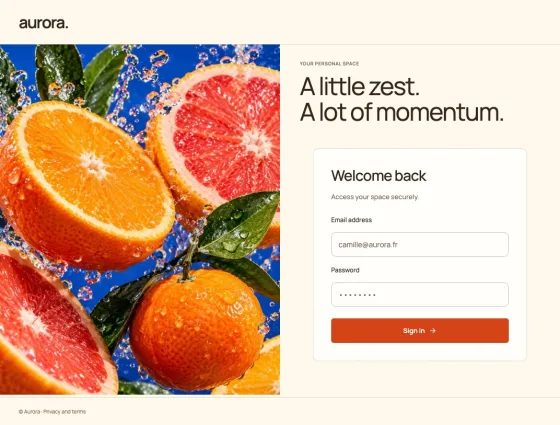
A service-first interface with explicit steps, useful guidance and an unmistakable primary action. Information stays clear, practical and easy to scan.
Create with Civic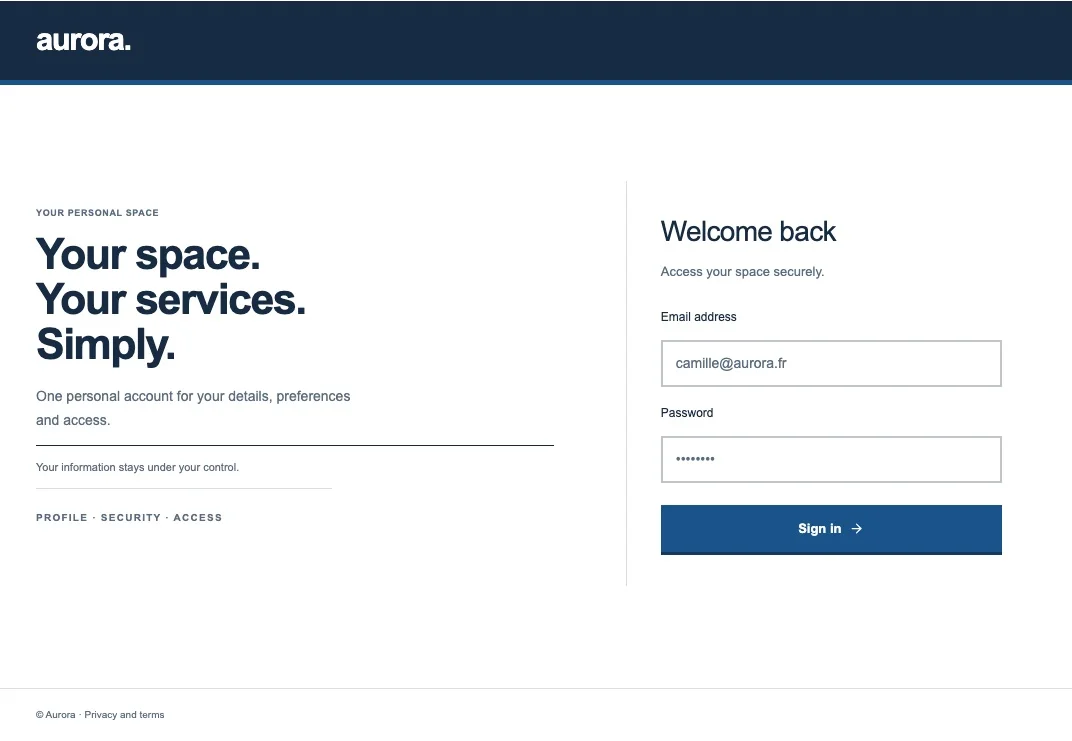
THE DESIGN DIRECTION
Clear access. For everyone.
- A service banner and a numbered journey from identification to verification and access.
- Visible labels, rectangular controls and help beside the form.
- Account settings organised as practical lists.
- A consistent identity across all 18 screens, including editorial cues, navigation, service panels and emails.
MADE FOR
Public services · Education · Nonprofits
18 editable screens · 8 content languages · Apache 2.0
Sign inRegistrationVerification codeVerify emailEmail Password ResetEmail Required ActionsProfileSecurityPasswordAccount MfaSessionsAdministrationUsersUser detailsApplicationsApplication detailsPermissionsWelcome
CHOOSE YOUR EXPORT
Make it part
of your product.
Compile sign-in and email compositions into native Keycloak themes through the CLI. Export account, administration and welcome screens as React/Next source, and connect your application's authenticated forms and actions.
Read the integration guide ↗