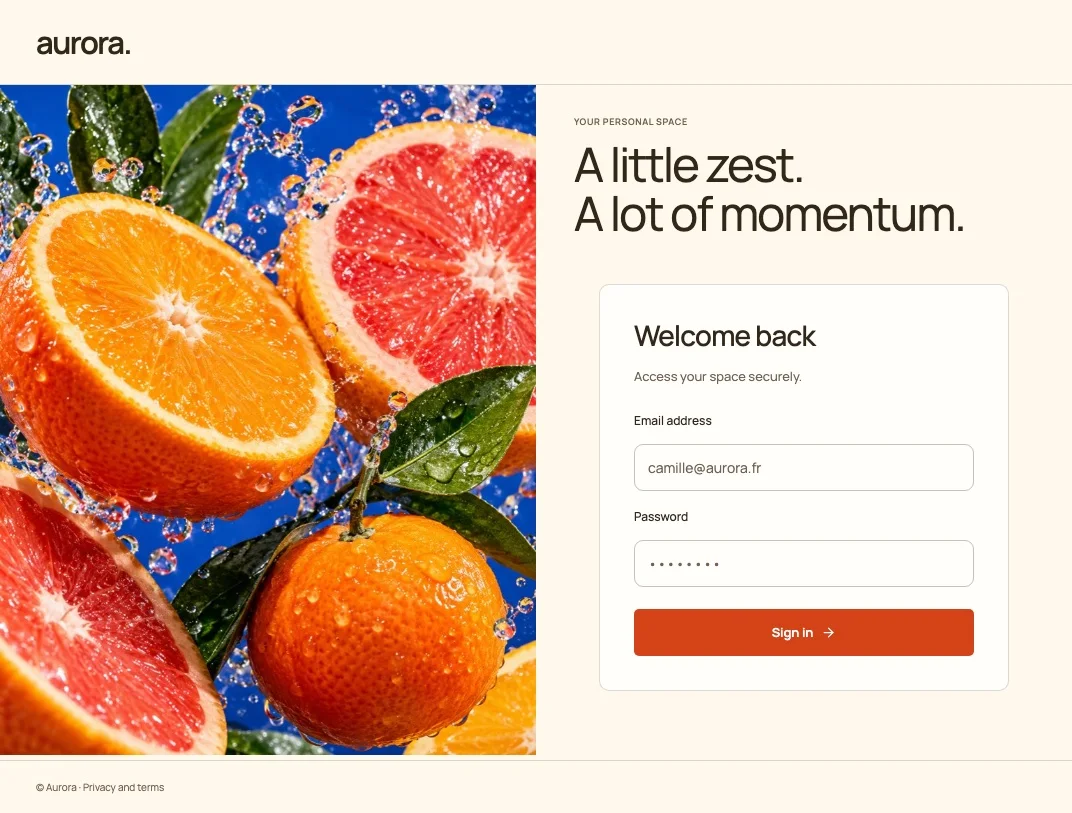
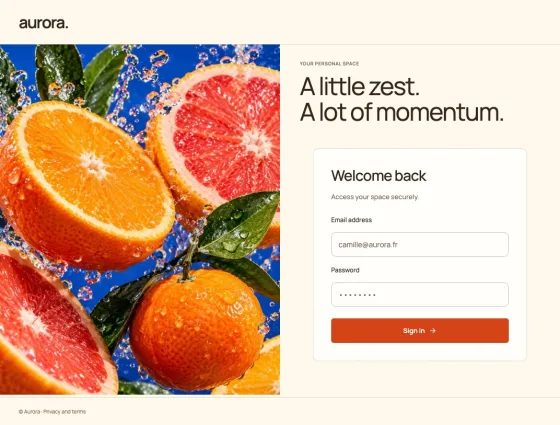
 Explore ↗
A visual studio built on Keycloakify
Keycloakify,
supercharged.
Give every interaction your identity. Start with a considered design, make it yours, and take the whole experience from first sign-in to account settings.
Open source. Free to use. Build locally with the CLI.
16distinct design directions
18editable screens per theme
8content languages, including RTL
100%open source · Apache 2.0
01 / THE COLLECTION
One identity.
Sixteen ways in.
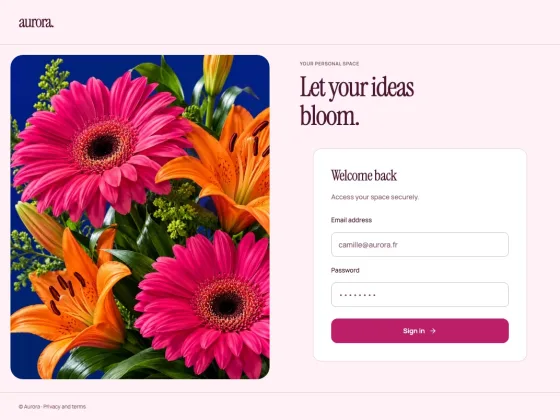
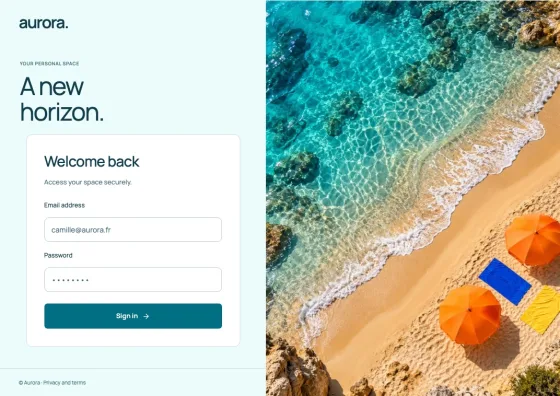
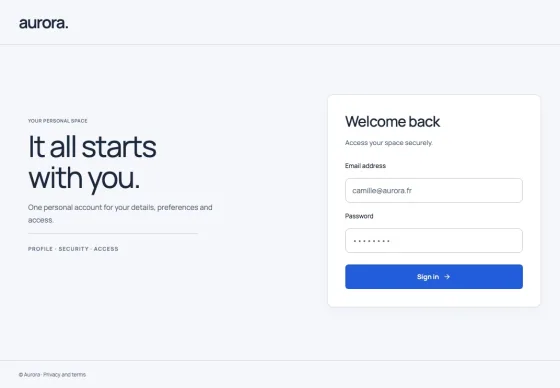
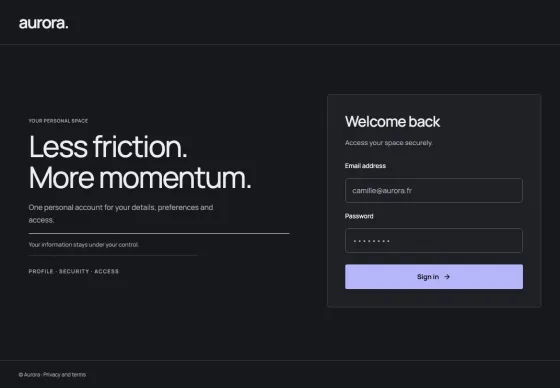
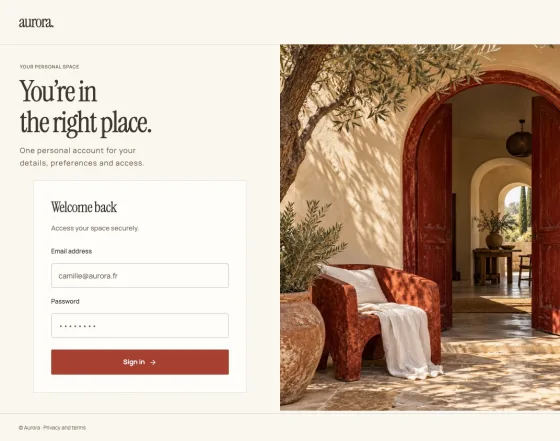
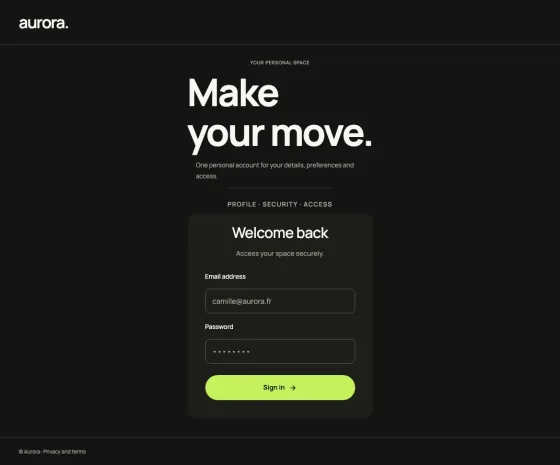
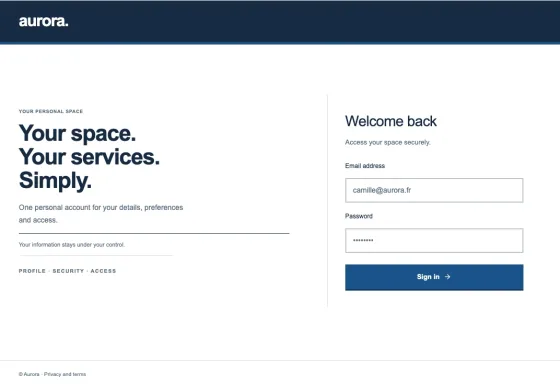
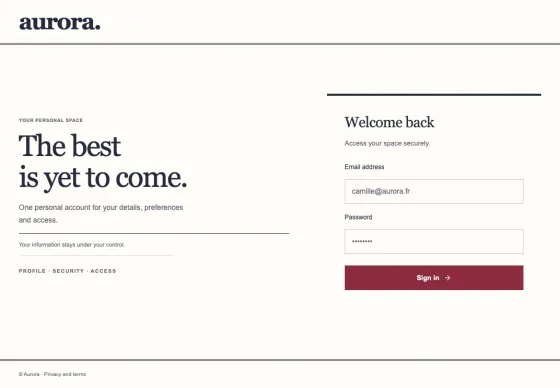
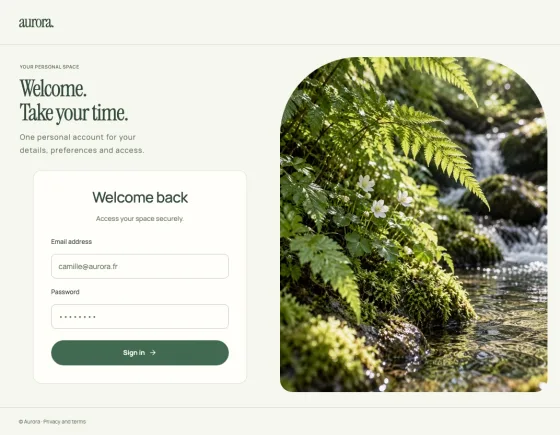
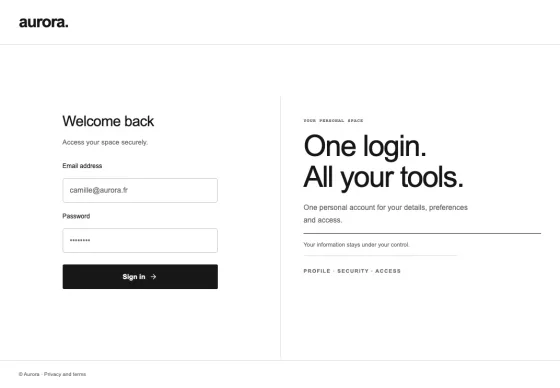
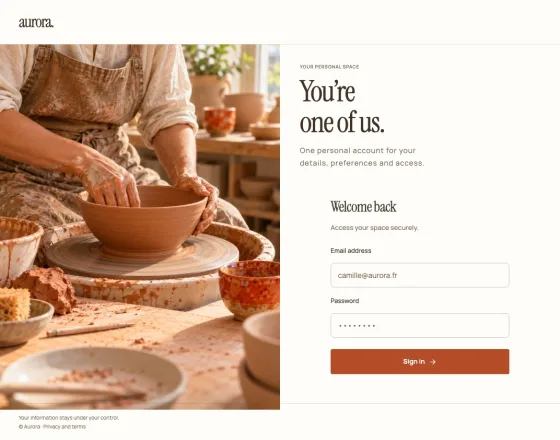
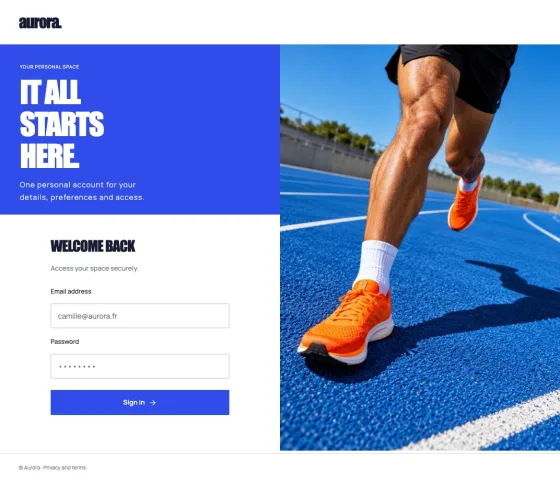
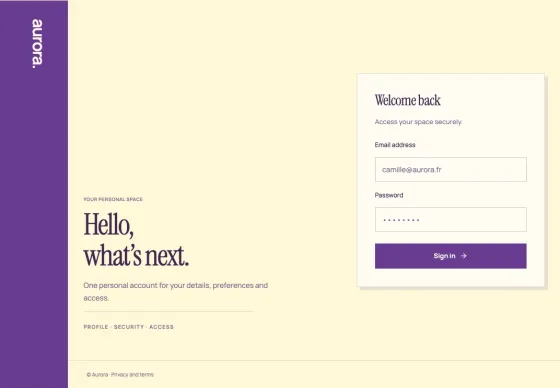
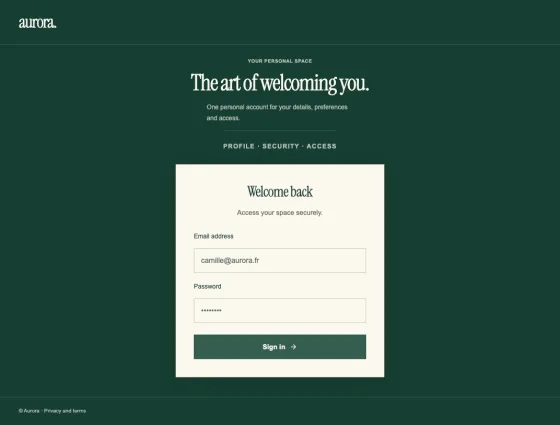
Quiet and considered. Bold and electric. Find a direction that feels like you, then make it part of your product.
Explore ↗ Explore ↗
 Explore ↗
 Explore ↗
 Explore ↗
 Explore ↗
 Explore ↗
 Explore ↗
 Explore ↗
 Explore ↗
 Explore ↗
 Explore ↗
 Explore ↗
 Explore ↗
 Explore ↗
 Explore ↗
Actual Studio screens. The same compositions, typography and imagery you will edit and export.
02 / THE WHOLE EXPERIENCE
Keep the feeling.
Everywhere.
A memorable welcome is a beginning. Carry the same identity through profile, security, administration and email.
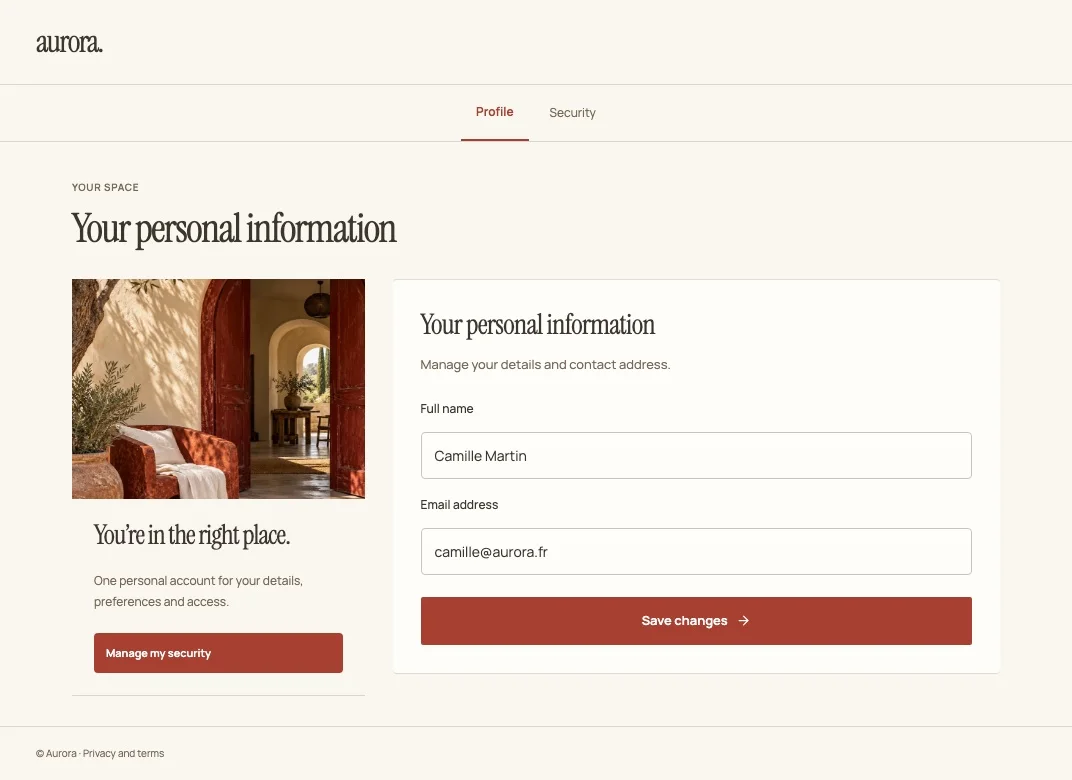
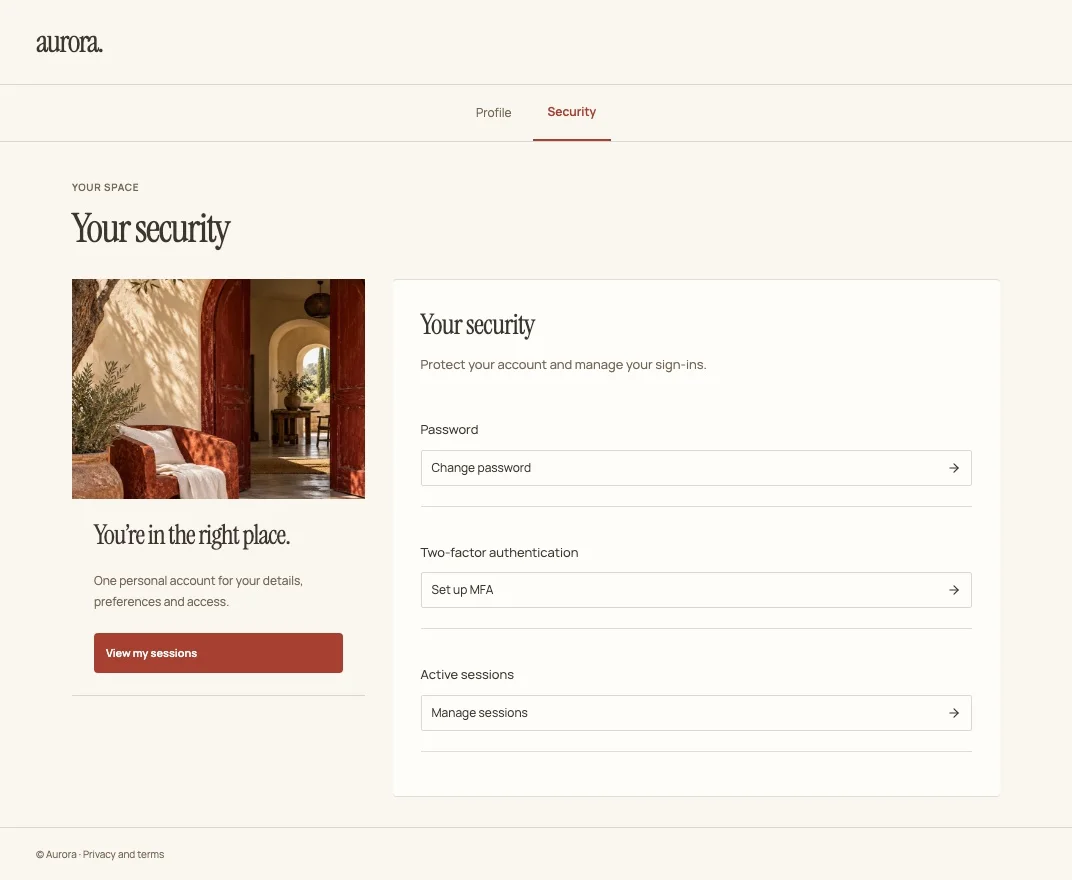
One design language, across 18 screens.
Explore the whole theme03 / FROM IDEA TO IDENTITY
Make it yours.
Then make it live.
Keycloakify powers native compilation. Hanko Studio adds a visual canvas, complete design directions and a connected journey across your application.
Start creating- 01
Choose a direction.
Explore complete themes. Compare sign-in, account and security screens before choosing your starting point.
- 02
Find your own expression.
Edit blocks, imagery, colours, typography and content. Keep your brand or start fresh. Preview desktop, mobile and translated pages.
- 03
Take your work with you.
Export your project as portable JSON. Compile native sign-in and email themes locally with the CLI, or bring application screens into React and Next.js.
04 / BUILT FOR YOUR WORKFLOW
Create visually.
Ship on your terms.
Use the standalone editor, embed it in React, or build through the CLI. Your source stays portable and your deployment stays yours.
YOUR TERMINAL
# Download the CLI archive from the release
npm install ./alien6-studio-hankoshell-keycloak-theme-builder-0.1.0.tgz

# Export your project from the Studio, then compile
npx hanko-theme build-project identity.studio.json \
  --name identity --out dist_keycloak
Native Keycloak theme, ready to install.
DESIGNED TO GO FURTHER
Your identity speaks
more than one language.
EnglishFrenchSpanishGermanItalianPortugueseArabic RTLHebrew RTL
Eight content languages. One consistent visual identity.
A FEW GOOD QUESTIONS
Before you
make it yours.
How does Hanko Studio work with Keycloakify?
Keycloakify powers native theme compilation. Hanko Studio adds curated design directions, visual page composition, reusable sections and coordinated React/Next application-screen exports.
Which screens become native Keycloak themes?
Sign-in and email compositions compile into native Keycloak themes. Account, administration and welcome screens export as React/Next source; your application connects its authenticated data, forms and actions.
Can I use and host it for free?
The Studio, theme catalogue and builder are open source under Apache 2.0. Run the static editor on your own hosting, keep projects in your browser and export portable JSON. Native compilation uses the CLI with Node.js, Java and Maven.
Can the public demo compile or deploy a Keycloak theme?
The public demo runs entirely in your browser. Editing, local project storage and JSON/React exports work here; native compilation runs on your machine with the CLI, Node.js, Java and Maven. The demo has no build service or Keycloak connection.
Which languages are available?
Theme content supports English, French, Spanish, German, Italian, Portuguese, Arabic and Hebrew, including right-to-left layouts. The public gallery and previews start in English. Editing controls are currently French.
Which Keycloak versions are tested?
This release is qualified against Keycloak 26.7.5 and 26.8.1. Check the release documentation before using a different server version.
YOUR NEXT FIRST IMPRESSION
Make the entrance
feel like you.
Open Hanko Studio 16 themes. A whole world of your own.