 Explore ↗
Product & technical / DESIGN 08
Terminal
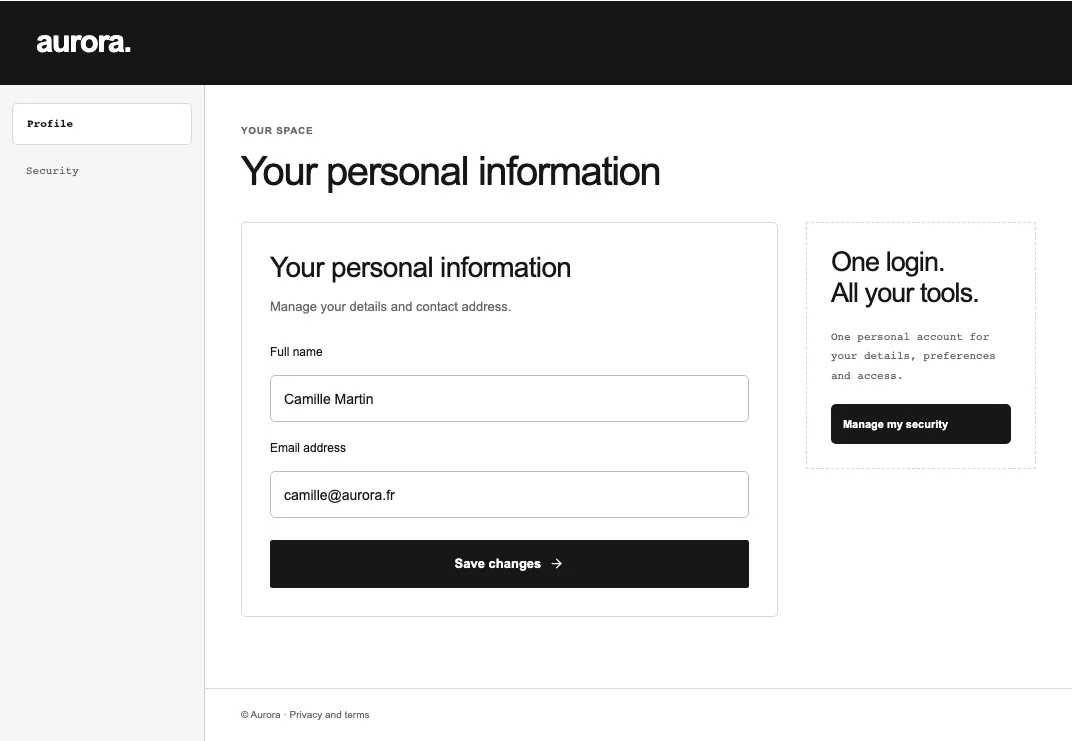
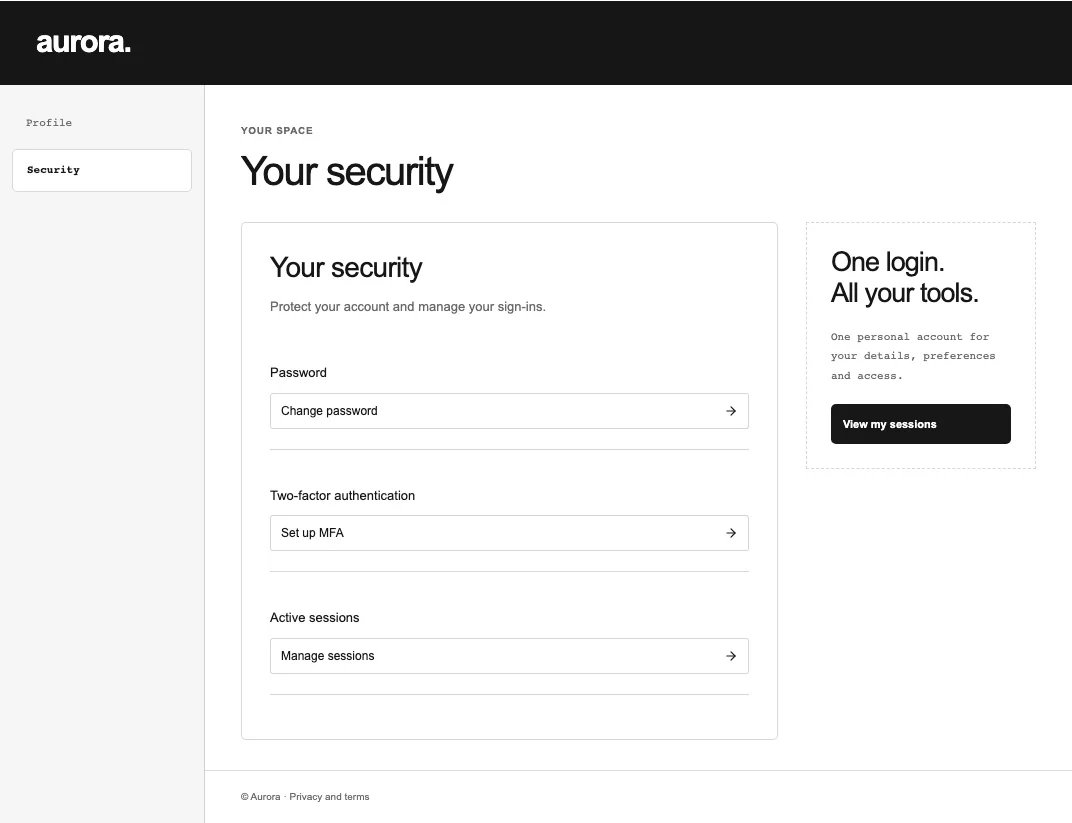
A monochrome technical interface where grids, states and clear labels define the identity. Dense information stays legible and carefully organised.
Create with Terminal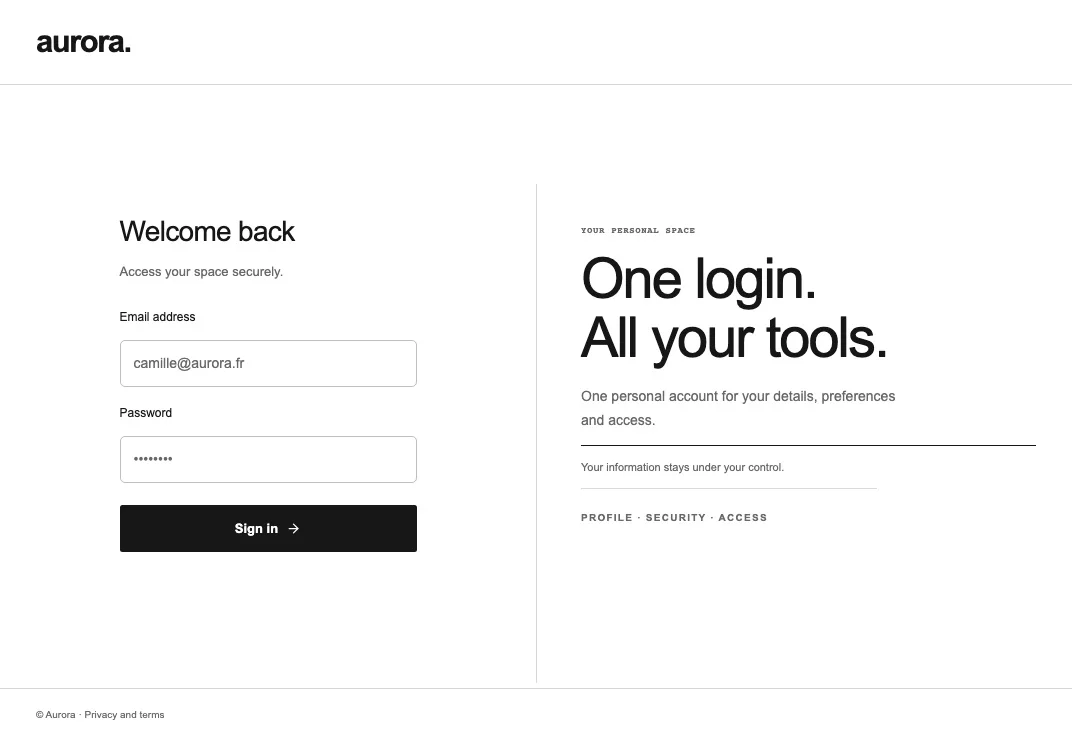
THE DESIGN DIRECTION
The essentials. Precisely.
- A self-contained form supported by a useful context panel.
- Monospace metadata, crisp outlines and a clear product hierarchy.
- Compact settings and shortcuts arranged as practical tool rows.
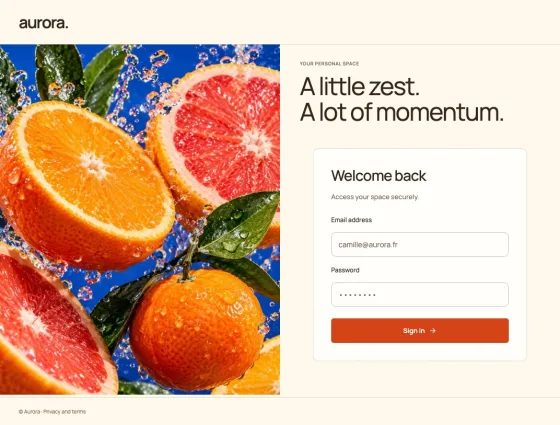
- A consistent identity across all 18 screens, including editorial cues, navigation, service panels and emails.
MADE FOR
Developers · Infrastructure · Tools
18 editable screens · 8 content languages · Apache 2.0
Sign inRegistrationVerification codeVerify emailEmail Password ResetEmail Required ActionsProfileSecurityPasswordAccount MfaSessionsAdministrationUsersUser detailsApplicationsApplication detailsPermissionsWelcome
CHOOSE YOUR EXPORT
Make it part
of your product.
Compile sign-in and email compositions into native Keycloak themes through the CLI. Export account, administration and welcome screens as React/Next source, and connect your application's authenticated forms and actions.
Read the integration guide ↗